
What's inside the box
Power it from any USB-C source, join its Wi-Fi, and your phone's browser opens a full field library. Nothing to install. Everything is stored inside the box.
21 full reference books
A complete offline medical encyclopedia, USDA canning & food-safety guides, water purification, home & vehicle repair, radio and power references, and offline Wikipedia's top articles.
A full-US offline map
Every town and road to street level, searchable across 32,000 U.S. towns — no signal required. Type a place and the map flies there.
7 original Quick Guides
Short, plain-language pages written to be read under stress: First 72 Hours, First Aid, Water, Food, Sanitation, Power, Communications.
One search box for all of it
Type plain words — "treat a burn," "purify water," "generator safety" — and get the right pages from every book at once.
Built to prove itself
An on-board Device Health page checks the library, maps, storage, and power and shows you green when it's ready. No guessing whether it works.
Its own reserve power
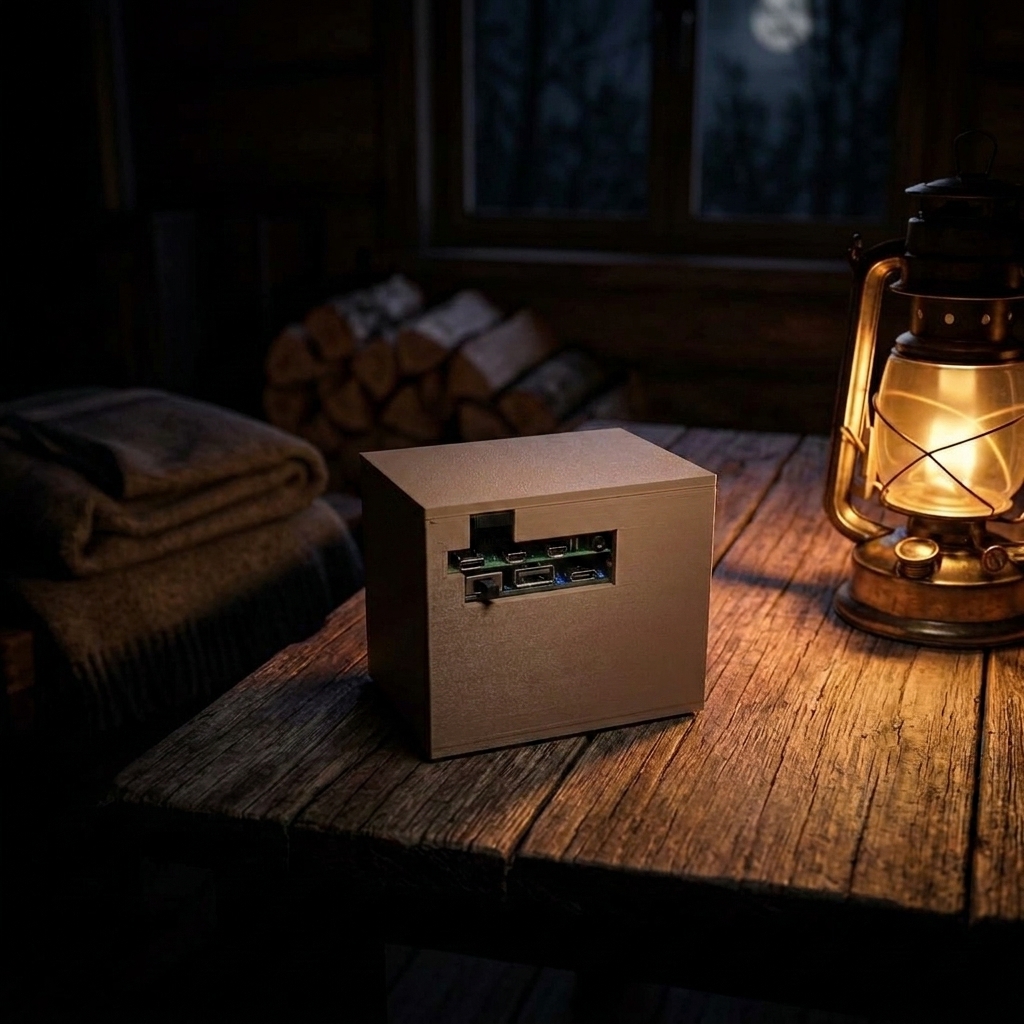
A built-in rechargeable battery keeps it running when the grid goes down. Recharge from any USB-C wall plug, power bank, or solar panel. It sips power; your phone in airplane mode just reads.
Why not just… the internet, or a shelf of books?
- It carries its own power. A built-in battery means it's already running when the outage hits, instead of sitting dead until you find a cord.
- Unlike the internet, it can't go down in an outage, a storm, or a dead zone. It's already offline by design.
- Unlike a shelf of survival books, it's searchable in seconds instead of flipped through by candlelight.
- No account, no app, no subscription, no tracking. You own it outright. It never talks to the internet on its own.
- The whole household can read at once, several phones and tablets at the same time.
- Hand-assembled and tested in Texas by a veteran-owned shop, with a real person answering support.
How it compares
You've got options. Here's how they stack up.
| GridFall Library | Build your own Pi | Old phone + free app | Shelf of books | |
|---|---|---|---|---|
| Works with no internet | Yes | Yes | Yes | Yes |
| Its own Wi-Fi for the whole household | Yes | If you set it up | One screen | No |
| Curated, with one search box | Yes | You build it | You build it | Flip pages |
| Full-US offline map | Yes | Big project | Usually not | Separate atlas |
| Its own battery | Yes | Add it yourself | The phone | n/a |
| Works out of the box | Yes | A weekend+ | Some setup | Yes |
| Support + 30-day returns | Yes | You're on your own | No | Bookstore |
| Cost | $239 | ~$80–150 + your time | ~$30–60 | $100s per shelf |
If you love the build, build one. If you'd rather it just work, that's us.
Set up in about two minutes
Reserve your spot
We're hand-building a small first batch. Add your email and you'll be first in line when it goes on sale. No payment now, no obligation, and you can unsubscribe in one click.
Founder's-batch pricing $239 (one-time. Battery included. No subscription, ever.)
Want to lock in a unit? Place a fully-refundable deposit and we'll reserve one from the founder's batch with your name on it.
Reserve with a refundable depositRefundable any time before your unit ships. Applied to your total at checkout.
Questions people ask first
Does it really need no internet?
Correct — never. The box broadcasts its own Wi-Fi and everything is stored inside it. Your phone shows a "no internet" warning when you connect; that's expected. The only optional internet moment is if you choose to plug in an Ethernet cable for a software update.
What does it cost, and is there a subscription?
Founder's-batch pricing is $239, one time, with the battery included. No subscription, no account, no app. You own the box outright.
Do I need to know anything about Raspberry Pi?
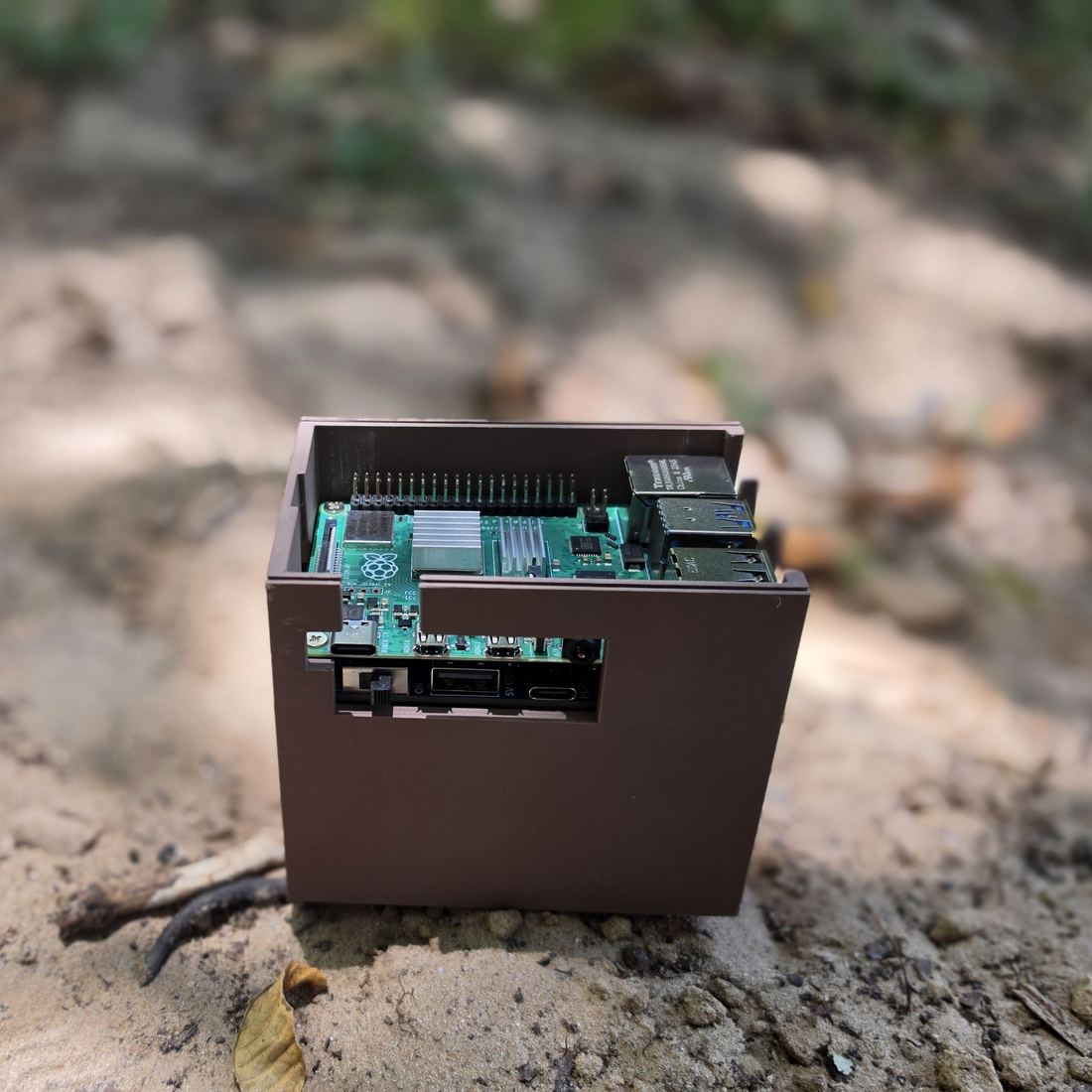
No. There's a Raspberry Pi inside, but you never touch it — no keyboard, no screen, no code. You plug the box in, join its Wi-Fi from your phone, and read. If you can join a Wi-Fi network, you can use it.
Can I put my own files on it?
Not in the current version. The library is read-only on purpose — that's what makes it safe to lose power without corrupting anything. A PIN-protected personal document vault is on the roadmap as a free software update, and the box has room for it (128 GB of storage; the library uses about half).
Can't I just build this myself?
Yes — if you're comfortable with Kiwix, ZIM files, and a Raspberry Pi, plenty of people do. GridFall is for everyone else. It arrives done and tested, it runs its own Wi-Fi so the whole family can read at once, it has its own battery, and a real person answers if something's off. You're paying for the 20-to-40 hours of work, not the parts.
How is this different from a flash drive full of PDFs?
A flash drive of survival PDFs sounds great until the emergency, when you're scrolling thousands of files for the one you need. This box has seven short guides written for stressful moments, plus one search box that pulls the right page from every book at once. Less digging, faster answers.
When will it ship?
We're sizing the first batch to the reserve list now and building by hand. Reserve your spot and we'll email you the moment units are ready — you'll get first pick before any public listing.
Can I trust the information?
The library comes from well-known public sources: Wikipedia, the USDA, U.S. government works, and other openly licensed references. It's for looking things up — not a substitute for a doctor or emergency services.
What if something's wrong with it?
A real person answers support, and it's covered by a 30-day return window. The box even self-tests: a built-in Device Health page shows you green when everything's working.